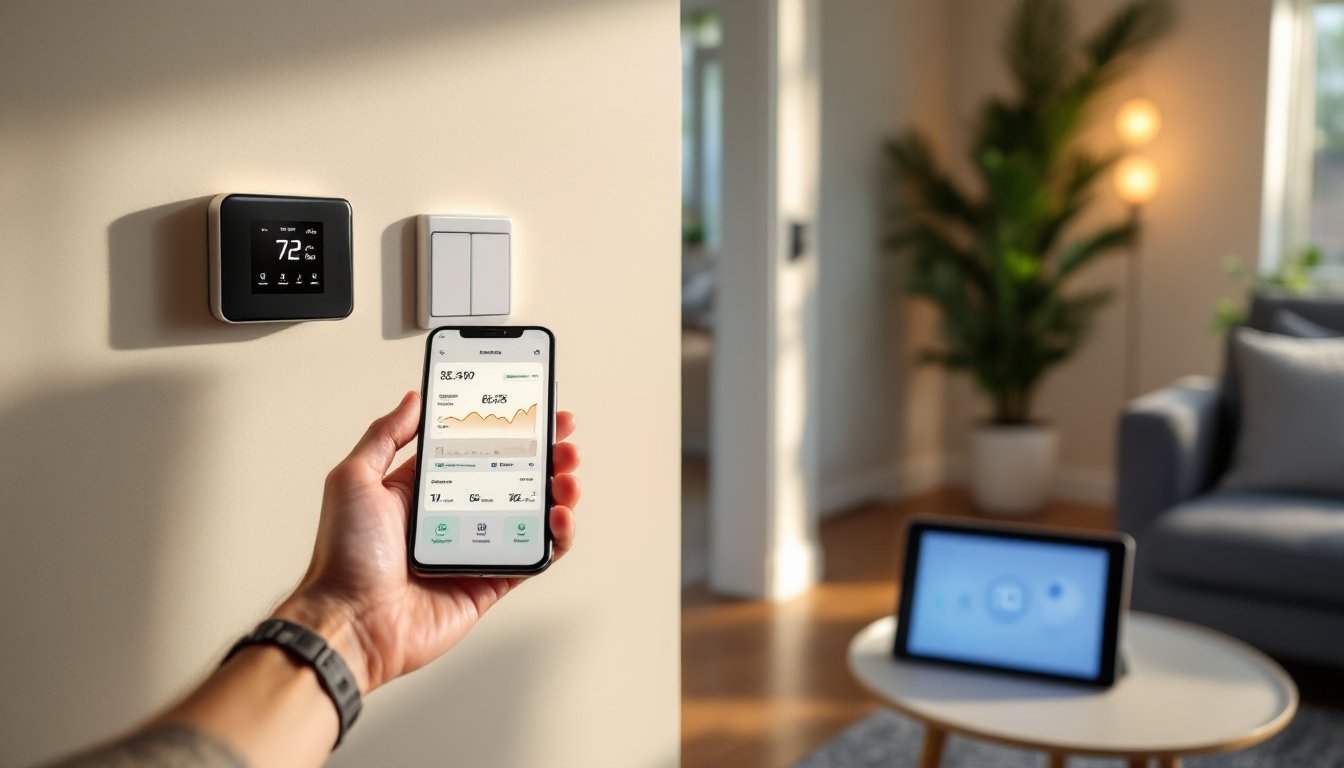
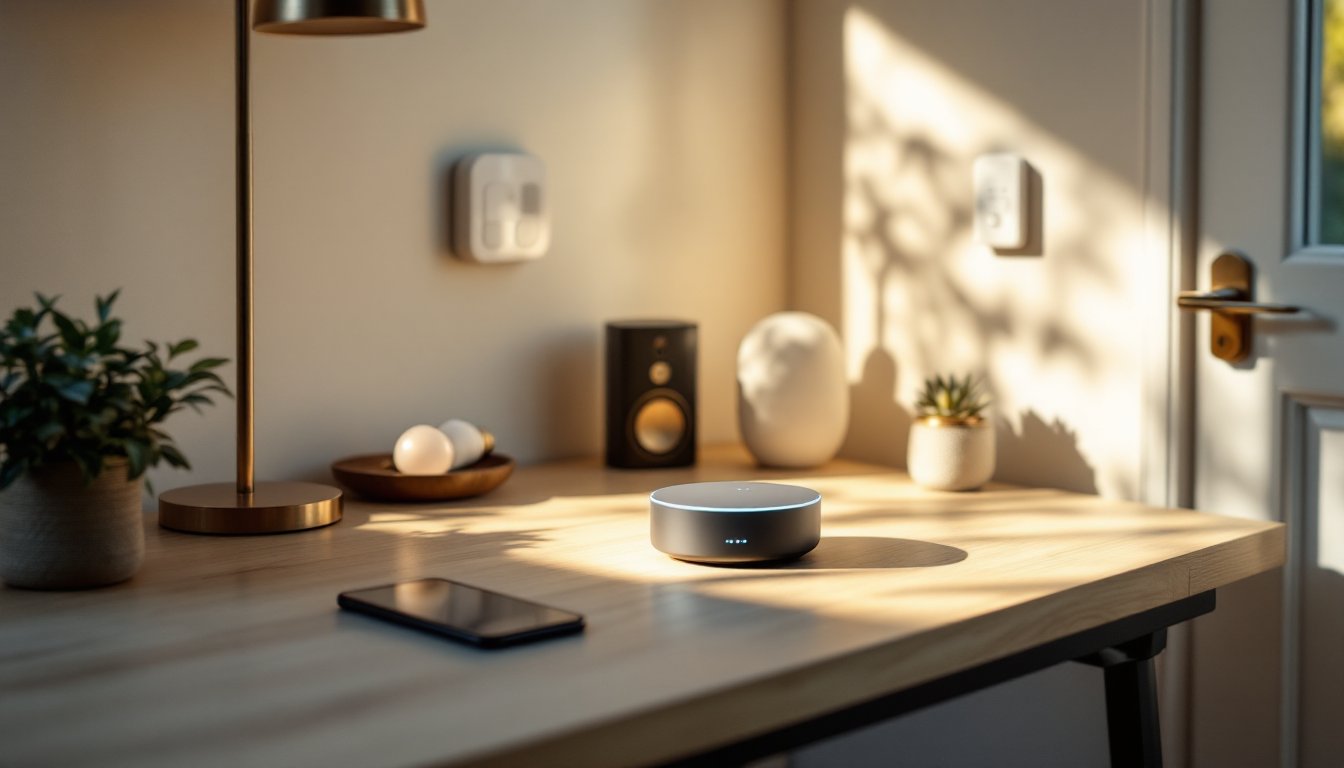
A smart home hub is the nerve center of your connected home, the single device that talks to all your other smart devices, whether they’re lights, thermostats, cameras, or door locks. Without a hub, you’re managing separate apps for each device, juggling multiple passwords, and dealing with devices that don’t always play nicely together. But with the right hub in place, everything syncs up. You get seamless automation, voice control across your entire home, and the ability to control everything from one interface. As more homeowners add smart devices, picking the right hub becomes less optional and more essential for a functioning connected space.
Table of Contents
ToggleKey Takeaways
- A smart home hub consolidates control of all your connected devices into one central interface, eliminating the need to manage multiple apps and passwords.
- Choose a smart home hub based on device compatibility and ecosystem support—check whether it handles Zigbee, Z-Wave, or WiFi protocols to avoid compatibility issues with existing devices.
- Central placement away from interference and gradual device setup ensure optimal performance and help you catch compatibility problems early.
- Local processing on your hub keeps automations fast and responsive while maintaining privacy, even if your internet connection drops.
- Security is critical—use strong passwords, enable two-factor authentication, and keep firmware updated since a smart home hub controls physical access to your home.
- Start with simple automations and build complexity incrementally to prevent unexpected behavior and maximize reliability.
What Is A Smart Home Hub And Why You Need One
A smart home hub is a central device that acts as a middleman between your smartphone, voice assistant, and all your connected smart devices. Think of it as a translator, it takes commands from your phone or voice assistant and relays them to your smart lights, locks, switches, and sensors. Most hubs use protocols like Zigbee, Z-Wave, or Thread to communicate with devices, plus WiFi for internet connectivity.
Without a hub, each smart device connects directly to your home WiFi and requires its own app or integration. This creates several headaches: apps clutter your phone, automations get messy, response times lag, and devices sometimes fail to communicate with each other. A hub consolidates everything. You’re not bouncing commands through your internet router each time, instead, the hub handles local communication with devices, which means faster responses and more reliable automation.
Hubs also enable advanced automations that single devices can’t handle. You can set rules like “When I leave home, lock the door, turn off lights, and set the thermostat to away mode”, all triggered by a single action. Many hubs also work offline, so basic automations keep running even if your internet drops. For anyone with more than a handful of smart devices, a smart home hub becomes the foundation that ties everything together.
Key Features To Look For In A Home Smart Hub
Not all hubs are created equal. Before you buy, nail down what matters most for your setup.
Device Compatibility And Ecosystem Support
The biggest consideration is which devices your hub supports. The major ecosystems are Amazon Alexa, Google Home, and Apple HomeKit, each has its own set of compatible devices. Some hubs (like the Amazon Echo Hub) work exclusively within their ecosystem. Others, like the Hubitat Elevation or SmartThings Hub, support multiple protocols and ecosystems, giving you flexibility to mix and match devices from different brands.
Zigbee and Z-Wave hubs handle a broader range of third-party devices, while WiFi-only hubs lock you into the manufacturer’s ecosystem. Check the device compatibility list before committing, you don’t want to discover later that your favorite smart bulbs or switches aren’t supported. Popular smart home options span multiple brands and ecosystems, so cross-reference compatibility for any devices you already own or plan to buy.
Voice Control And Automation Capabilities
Almost all modern hubs support voice commands through their built-in assistant or integration with Alexa or Google. What differs is the depth of automation. Some hubs offer simple “if this, then that” triggers, while others let you build complex scenes with multiple conditions and delays. Look for hubs that support local processing, this means automations run on the hub itself rather than relying on cloud servers, keeping things responsive and private.
Also consider remote access. You’ll want to control devices when you’re away from home, and that requires a solid cloud connection and a reliable app. Redundancy matters too: if your voice assistant fails, can you still automate devices or control them manually? The best hubs degrade gracefully, keeping core functions alive even if one component fails.
Popular Smart Hub Options For Every Budget
Here’s a quick rundown of mainstream hubs and what they’re best suited for:
Amazon Echo Hub ($100–$150): Part of the Alexa ecosystem, it doubles as a 7-inch display and control panel. Strong for Alexa-based automations and Amazon device integration, but less flexible if you want non-Amazon devices.
Google Home Hub Max ($100–$130): Google’s answer, with a 10-inch screen and tight integration with Google Home and Nest devices. Good if you’re already in the Google ecosystem.
Apple Home Hub (built into HomePod mini, $99): Apple’s entry point. Works exclusively with HomeKit, so it’s a walled garden, but if you’re all-in on Apple, HomeKit is solid and prioritizes privacy.
SmartThings Hub ($80–$120): Samsung’s hub supports Zigbee and Z-Wave devices plus many non-Samsung brands. More flexible for mixed-device setups.
Hubitat Elevation ($100–$150): A powerhouse for local processing and automation enthusiasts. Supports Zigbee, Z-Wave, and some WiFi devices. Steeper learning curve but incredible flexibility.
Externally, the best smart home, each with distinct strengths. Budget hubs start around $60, while premium options with displays or advanced processing can exceed $200. Don’t just chase price, match the hub to your existing devices and plans.
Setting Up And Optimizing Your Smart Home Hub
Once you’ve picked a hub, setup is straightforward but requires attention to detail.
Placement is critical. Mount your hub centrally in your home, away from metal objects, microwaves, and thick walls. Zigbee and Z-Wave have shorter range than WiFi, so a central location ensures all devices can communicate. If your house is large, you might need to add repeaters (intermediate devices that boost signal) to reach far rooms.
Network setup comes next. Connect your hub to your home WiFi with a strong, stable signal. Use a separate guest network if your router supports it, this isolates your smart home devices from computers and phones, reducing interference and improving security. Make sure your router is updated and supports at least WiFi 5 (802.11ac) for reliability.
Add devices gradually. Don’t try to pair 30 devices at once. Add a few, test automations, then scale up. This approach helps you catch compatibility issues early. When pairing Zigbee or Z-Wave devices, put the hub in pairing mode, then activate the device (usually by holding a button). Wait for confirmation before moving on.
Set up automations thoughtfully. Start simple, a single light turning on at sunset, then build from there. Smart home tech tips emphasize testing automations in isolation before linking them together. Complex automations can create unexpected behavior (“Why did my thermostat switch to heat when I just wanted the lights off?”).
Security matters. Use a strong password for your hub account, enable two-factor authentication, and regularly update firmware. Your hub controls physical access to your home, so treat it like a front door lock, not a streaming device.
Conclusion
A smart home hub transforms a collection of independent devices into a coordinated system. It cuts down on app clutter, speeds up automations, and gives you true central control. The right hub depends on your existing ecosystem and how many devices you plan to add. Start with one that supports your current setup, place it thoughtfully, and build automations incrementally. Your future self will thank you when your home operates like a single, intelligent unit rather than a dozen bickering apps.